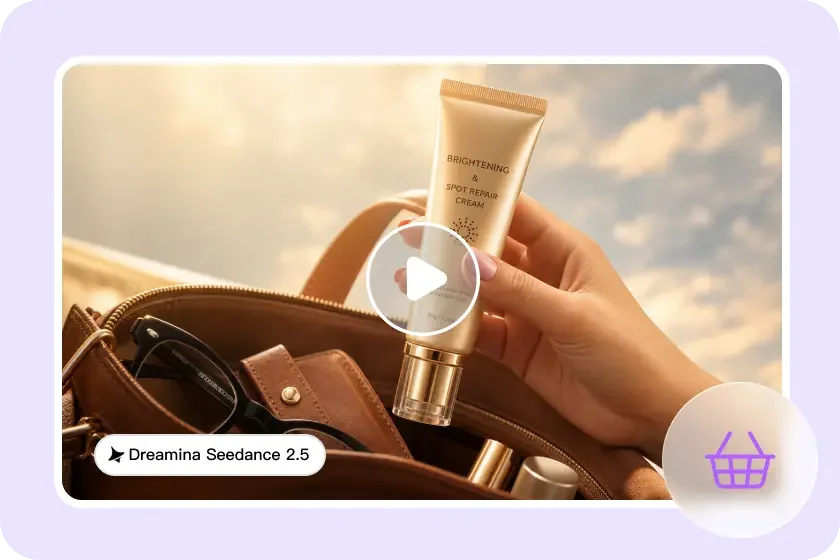
CAMPAIGN BRIEF — CLIENT: a ceramic mug you’ve owned for three years.
OBJECTIVE: make it look like it costs $400.
Luxury advertising has a very specific visual language — dramatic lighting, slow deliberate motion, a sense that the product is the only thing that matters in the frame.
Pippit’s SeedAudio 1.5 model lets creators apply that exact treatment, sound and all, to literally any object sitting around the house, turning something ordinary into something that looks like it belongs in a high-end campaign.
Since this is essentially a creative brief, let’s format it the way an agency would actually pitch it.
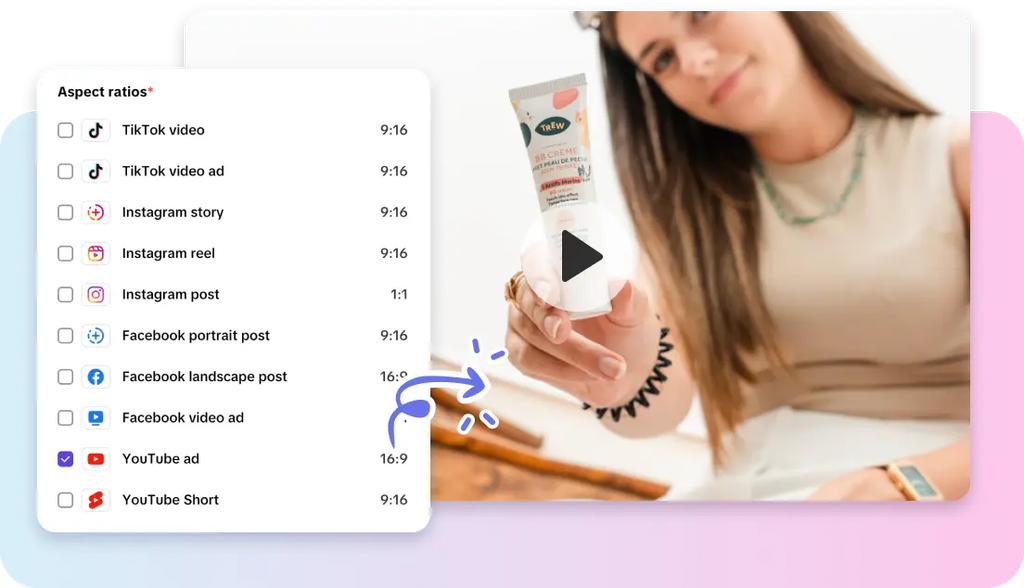
Brief section one: the creative concept
Luxury advertising sells restraint and confidence — minimal movement, dramatic negative space, a product that doesn’t need to explain itself. The concept here is simple: apply that same visual restraint to an object that’s never received it before.
Brief section two: target product selection
- Objects with clean lines and an interesting material — glass, ceramic, metal, wood grain.
- Items that photograph well against dark, moody backgrounds.
- A product with at least one visually interesting detail worth a close-up — a texture, a reflection, a shape.
- Something genuinely owned by the creator, which tends to produce more creative, specific prompts than a random stock object.
Brief section three: production plan
Step 1: Upload your object and write a time-stamped prompt
Open Pippit’s Video Generator, select Seedance 2.5, and upload a photo of the object. Write a time-stamped prompt describing the luxury treatment.
For example: Create a 15-second luxury-style commercial of a ceramic mug. 0–5 seconds: the mug sits alone on a dark marble surface, a single dramatic light source. 6–11 seconds: the camera slowly rotates around the mug, steam rising elegantly. 12–15 seconds: end on an extreme close-up of the glaze catching light, confident and still.
Step 2: Client review notes
Review the draft the way an actual client would — does the pacing feel confident and unhurried, or does it rush past the product in a way that undercuts the luxury tone? Adjust the prompt to slow the camera movement if the result feels too casual.
Step 3: Final cut and delivery
If the object deserves a second angle or detail shot, use the extension feature to add it without starting over. Export at the resolution needed for a portfolio piece, a social spot, or simply the most dramatic version of your coffee mug you’ll ever see.
Sound department: scoring the campaign with SeedAudio 1.5
No luxury commercial works in silence, and this is where SeedAudio 1.5 becomes essential rather than optional. It can generate a minimal, elegant instrumental score matched precisely to the visual’s pacing, using timestamp placement to land a subtle musical swell exactly as the camera reaches its closest, most dramatic shot of the product.
Four ways to build the soundscape
SeedAudio 1.5 supports generating audio purely from a written description, from text paired with a reference voice, synced directly to an uploaded video, or using all of these together — giving creators flexibility depending on whether they already have a finished visual clip or are starting the whole concept from scratch.
Media buy: where this content actually performs
This format tends to do unexpectedly well as a comedic contrast piece — the joke of treating a cheap, ordinary object with full luxury-brand seriousness often outperforms content that takes itself completely seriously. Posting it with a straight-faced caption, rather than explicitly calling out the joke, tends to land better.
Client feedback: common notes to address
- If the result feels flat, the lighting usually needs more contrast, not more motion.
- A background that’s too busy competes with the product — simplify it in the prompt.
- Sound that comes in too early undercuts the reveal — time it to the visual’s peak moment instead.
- For a human presence in the ad, Pippit’s talking photo feature can add a brief animated spokesperson reaction without needing an actual actor on set.
Brief section four: choosing the right backdrop material
Dark marble, brushed metal, or deep velvet all read as premium surfaces that instantly elevate whatever sits on top of them — spending extra attention on the backdrop description in your prompt often does more for the luxury feel than any detail about the object itself.
Brief section five: the one-object rule
Luxury ads almost never feature a cluttered frame — a single hero object with generous negative space around it reads as far more expensive than a busy composition, even if the actual object costs very little.
Brief section six: building a mock campaign series
Once one object has received the luxury treatment successfully, applying the same visual and audio formula to two or three more household items creates a cohesive mock “ad campaign,” which tends to perform better as a series than as a single standalone joke.
Brief section seven: naming the “product” for extra comedic effect
Giving the object a fake luxury product name and a short invented tagline — displayed as on-screen text at the very end — pushes the joke further and gives viewers an extra beat to laugh at before the video ends.
Campaign wrap
Luxury advertising has always been more about confidence and restraint than the actual price of what’s being sold, which is exactly why it works so well applied to something ordinary.
With SeedAudio 1.5 and Seedance 2.5 inside Pippit, any object within reach can get the full campaign treatment.
Next time something on your desk catches the light just right, it might be worth opening Pippit and giving it its own ad spot.